Kanora
A music library you own
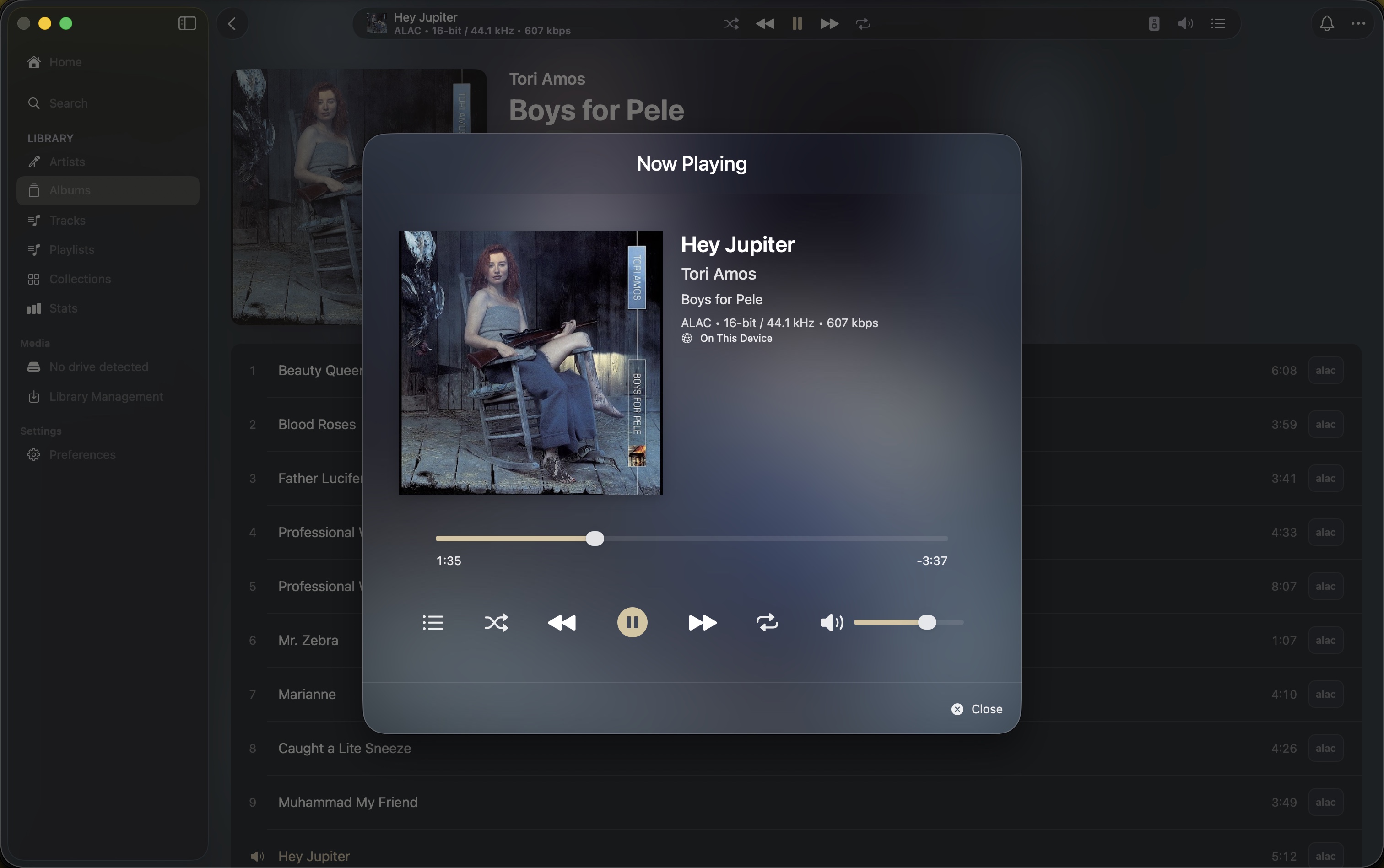
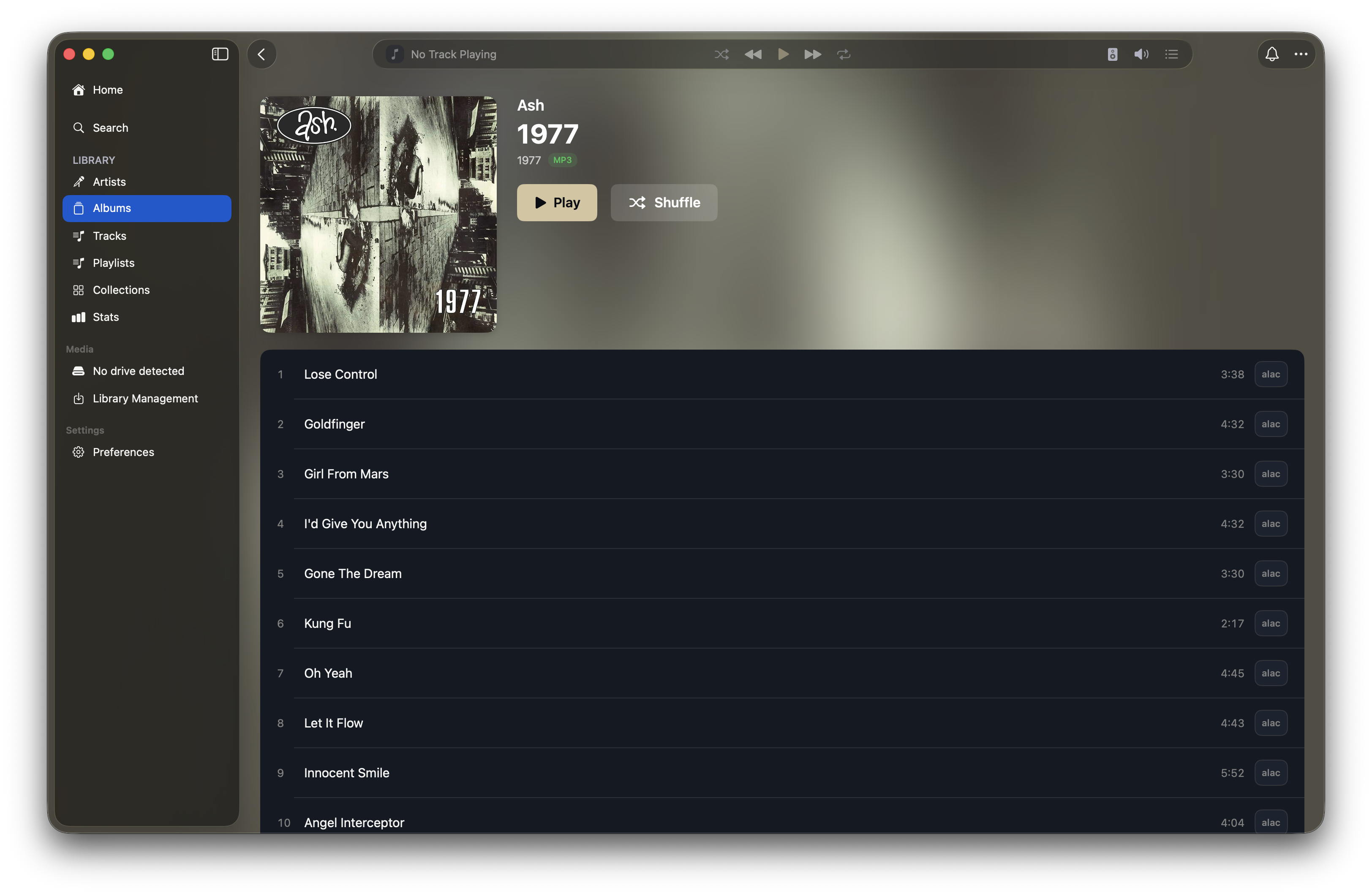
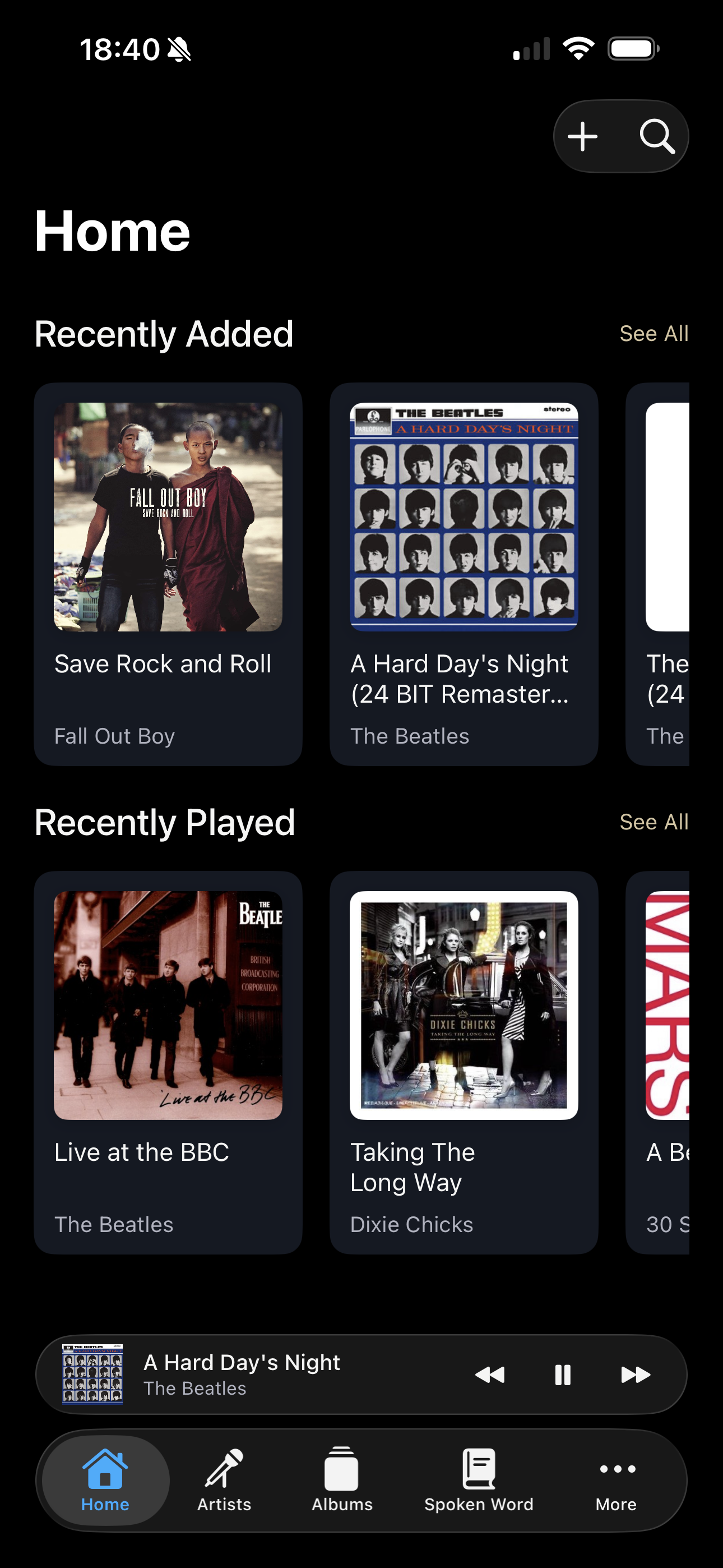
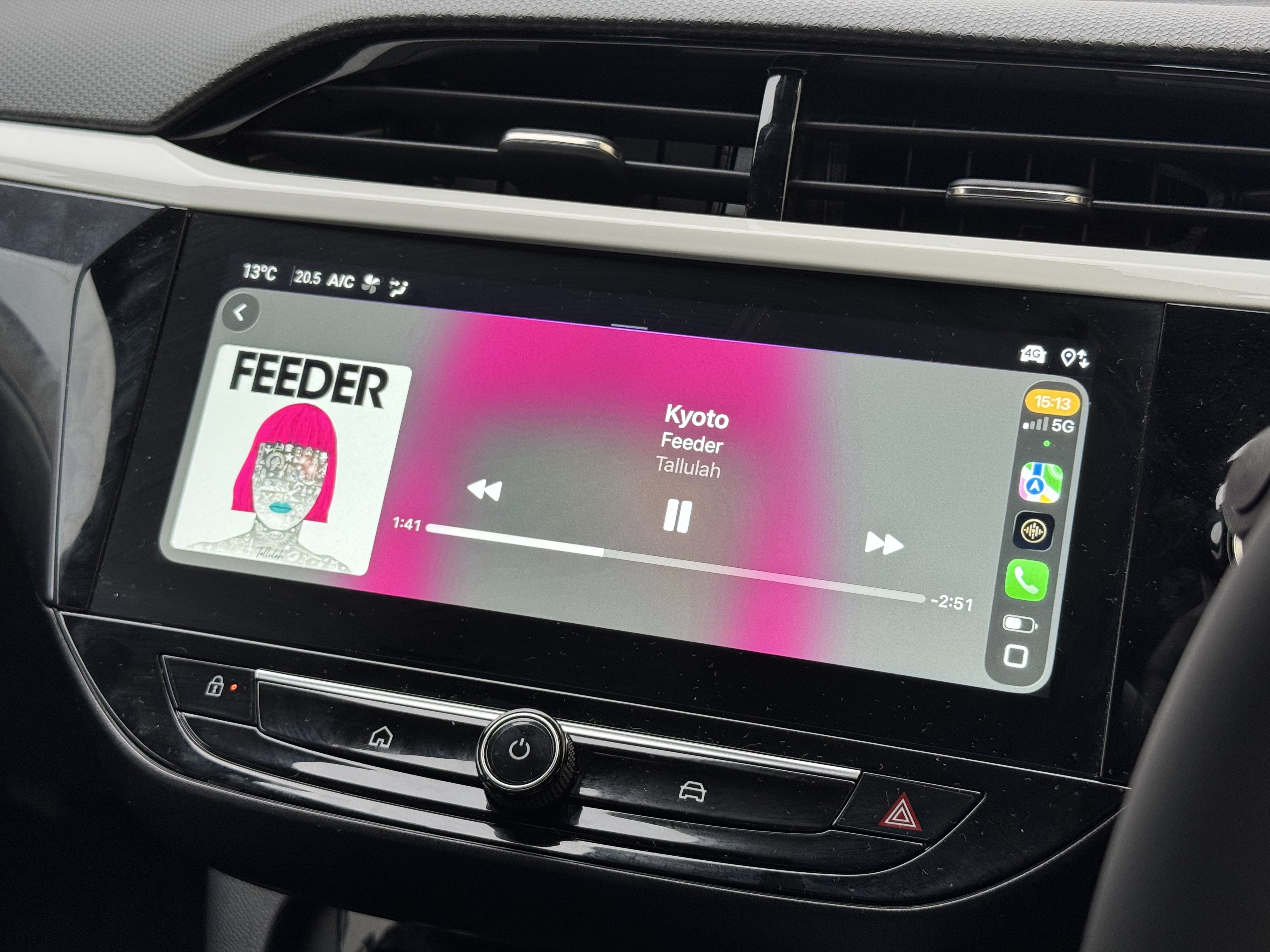
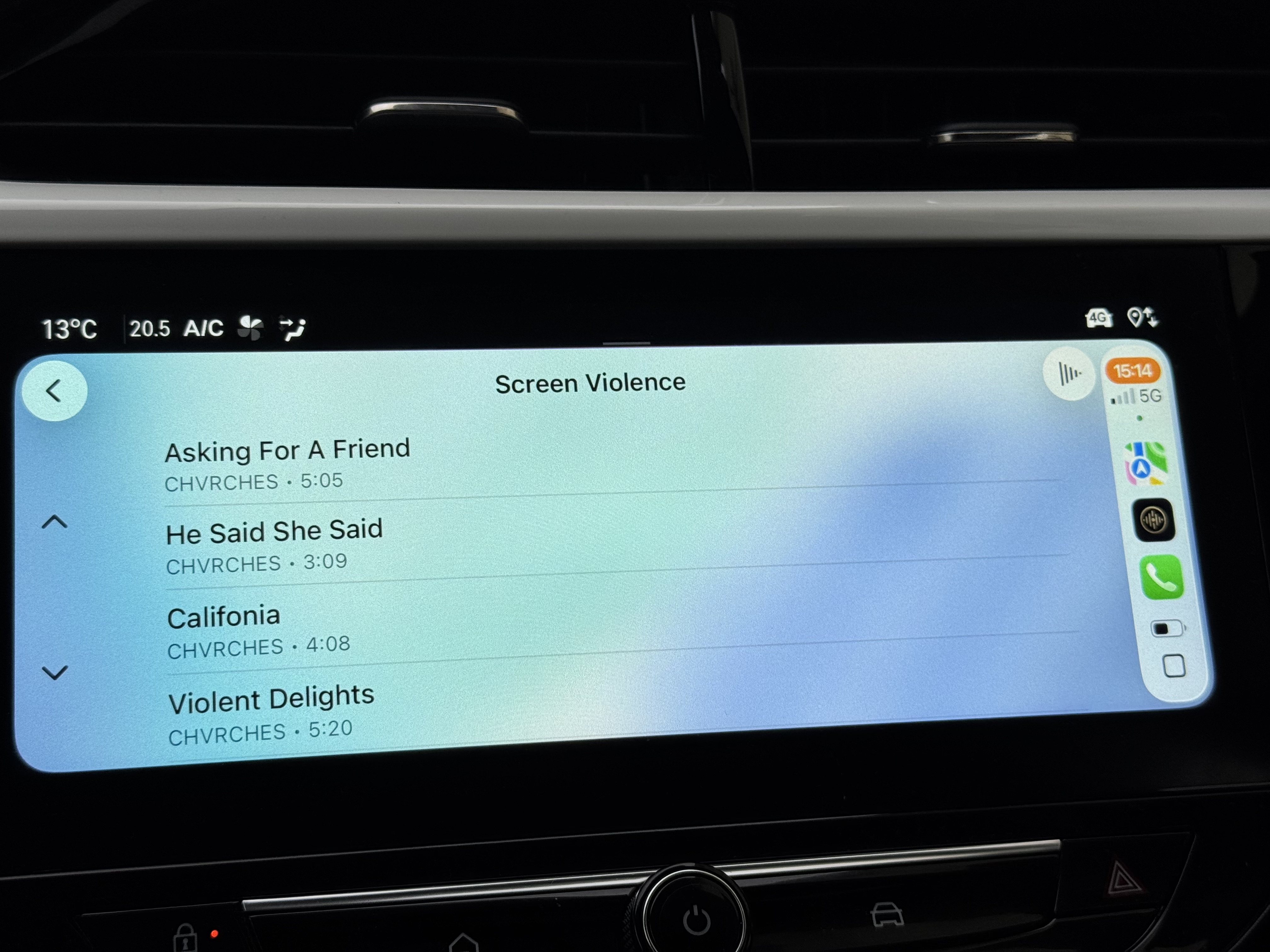
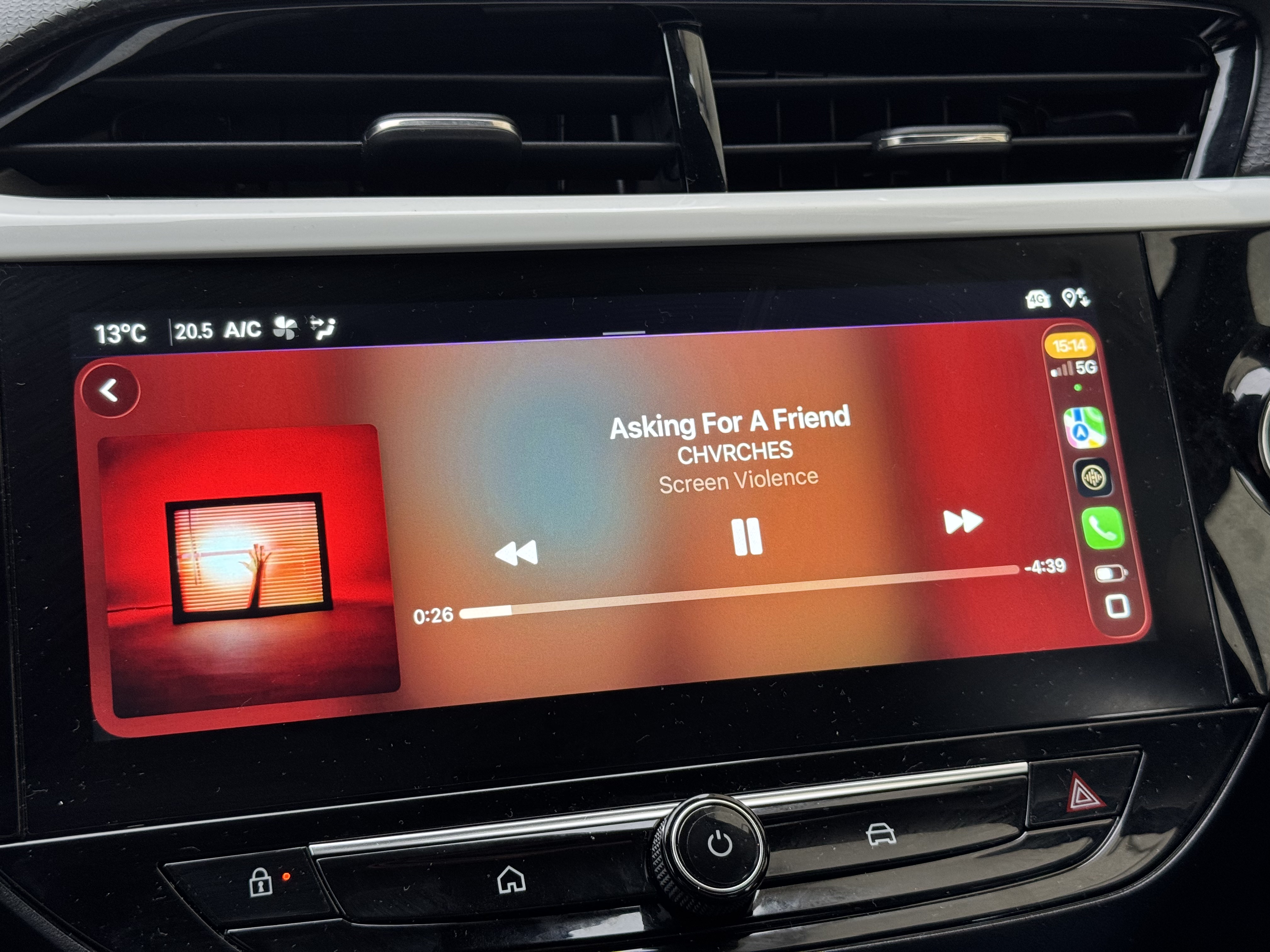
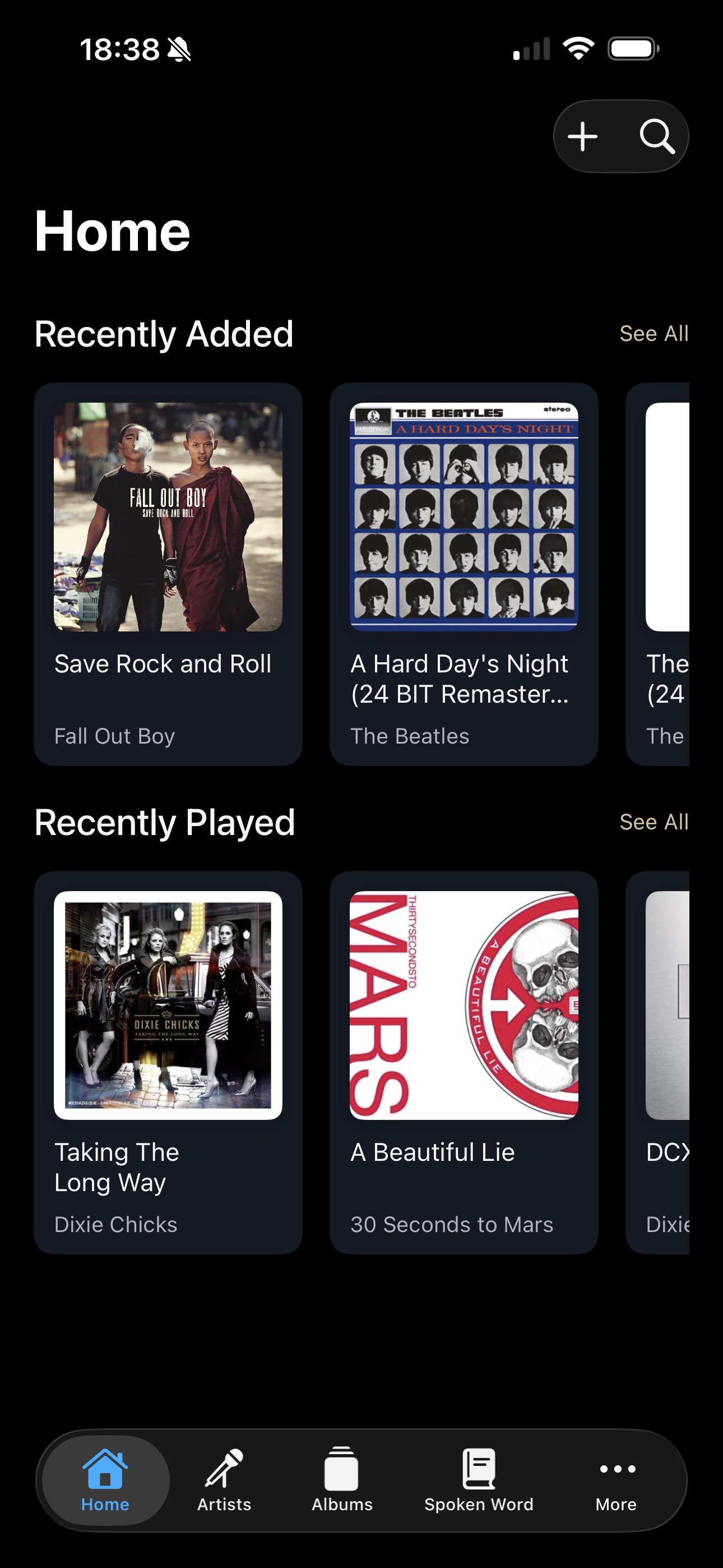
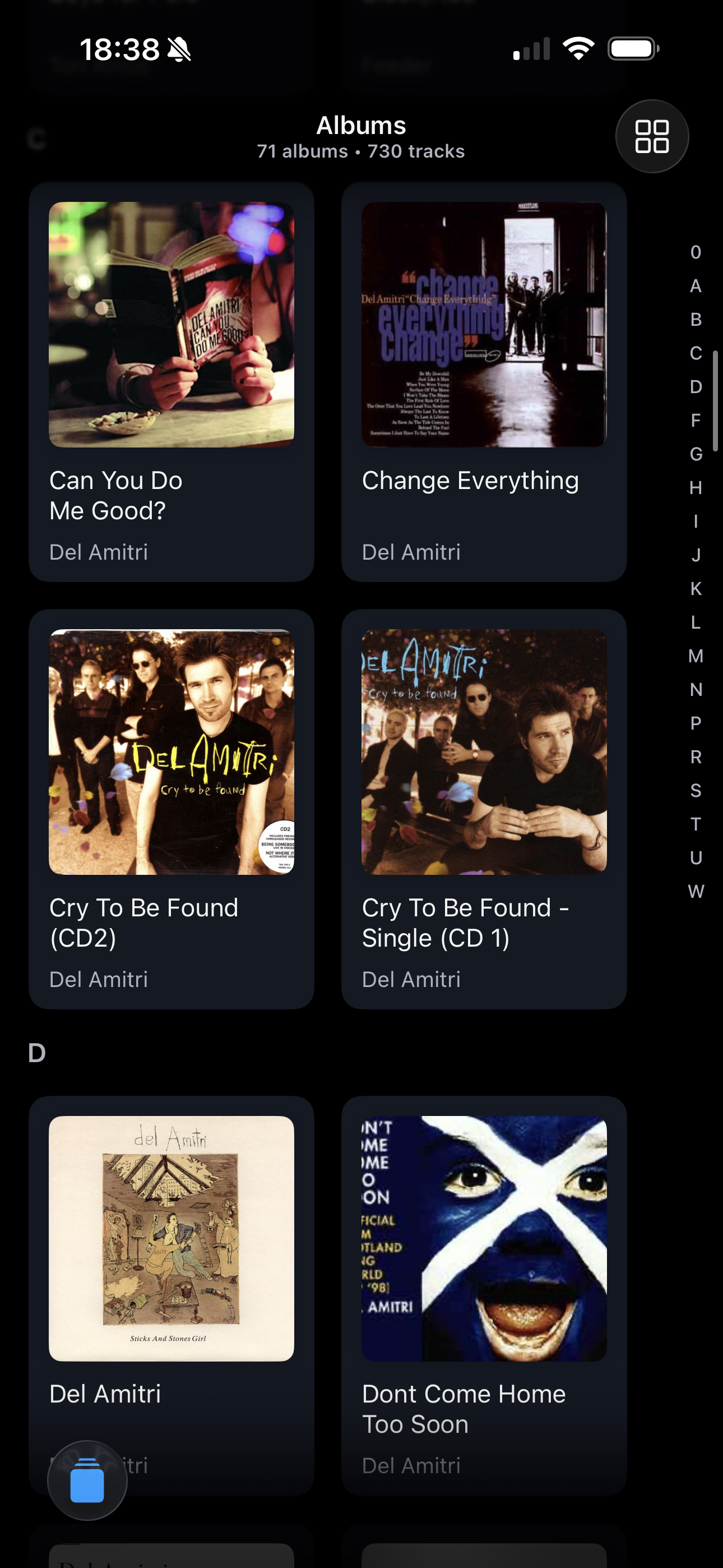
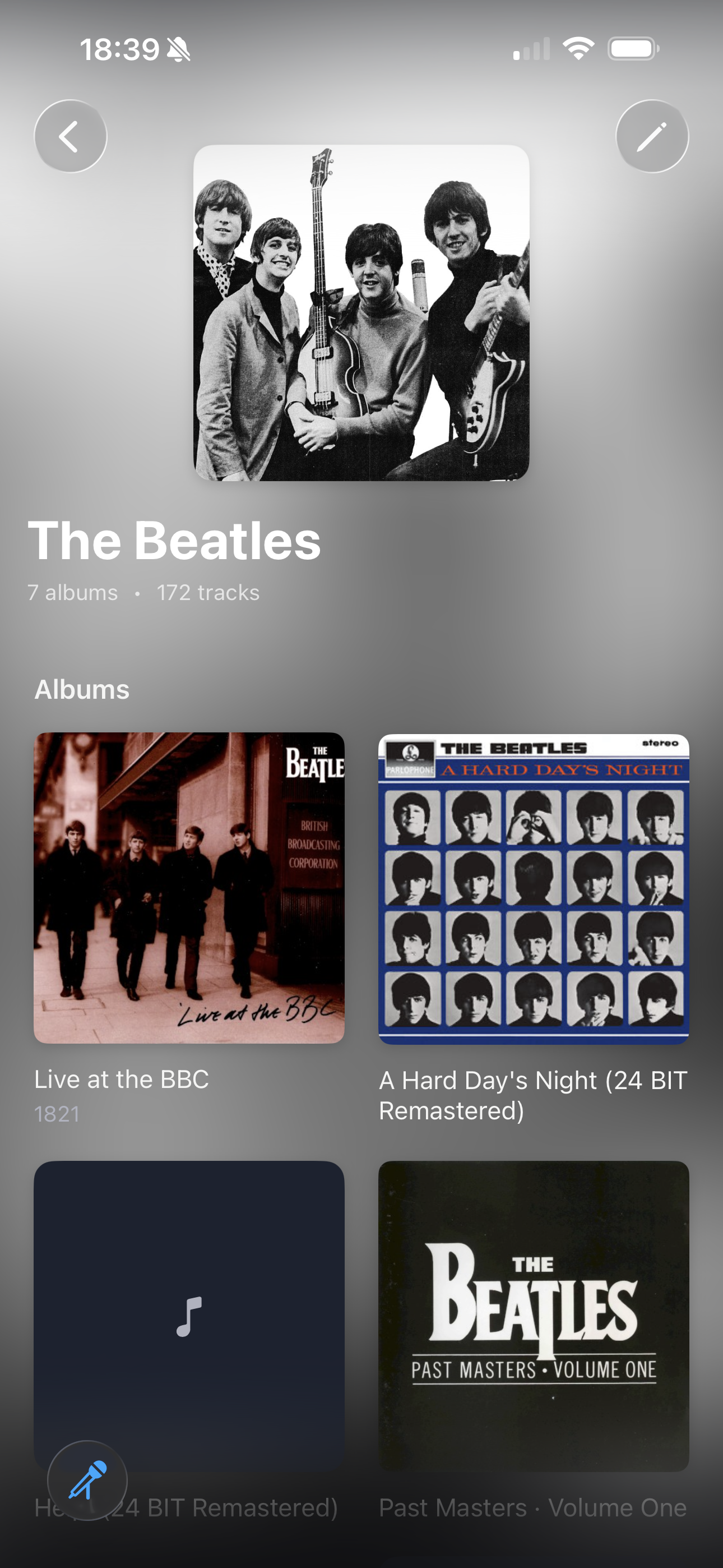
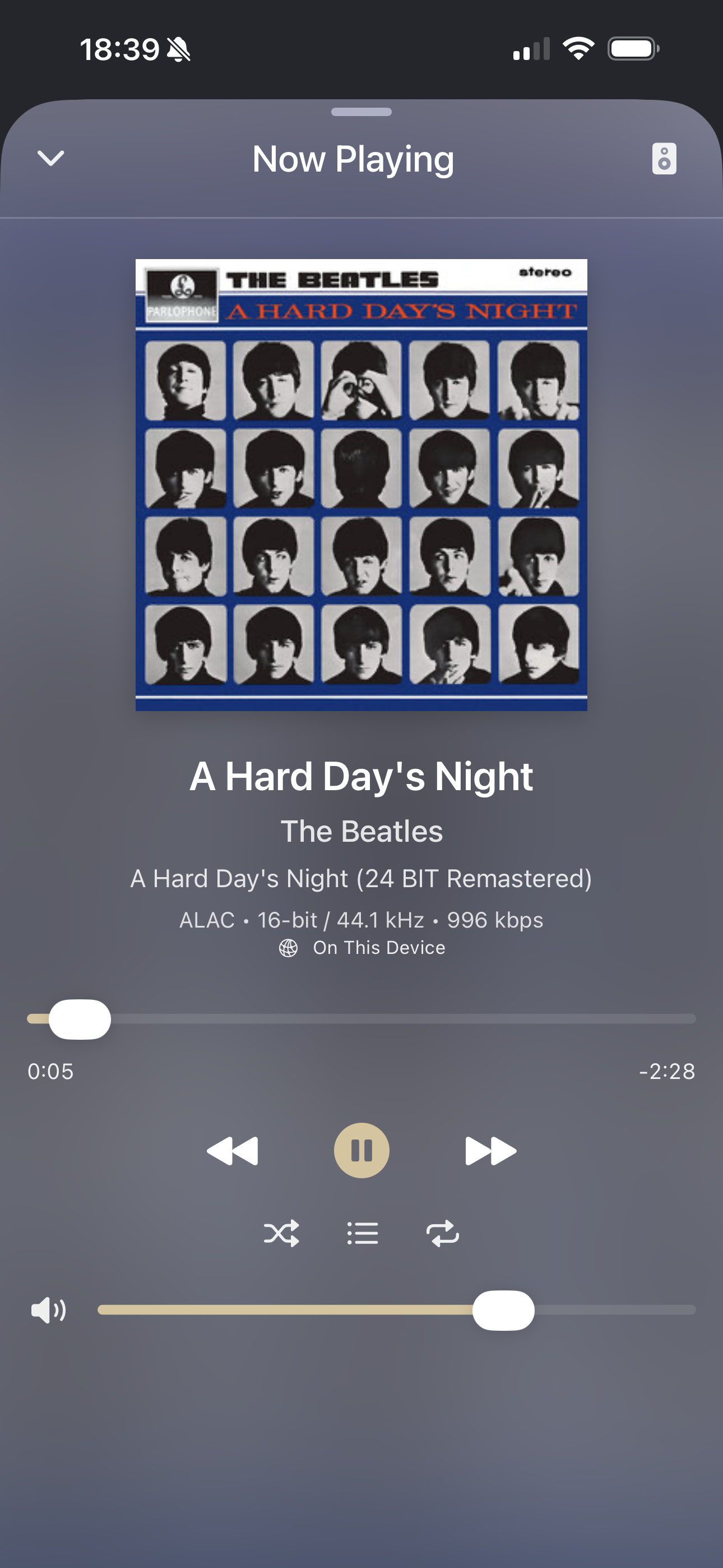
Kanora is a fully native Apple-platform app built with SwiftUI, Core Data, and AVFoundation. It focuses on owned libraries: CD and file import on the Mac, lossless playback, and companion experiences on iPad and iPhone. Marketing, pricing, and the full feature story live on kanora.app.
Screenshots
CarPlay
Why I'm building Kanora
Kanora started as a music problem: I wanted the best parts of old iTunes, without the mess, and without renting my own collection back from a service.
But the longer I've worked on it, the more Kanora has become a deliberate technical project too: a chance to build a serious, long-lived Apple-platform app that touches the awkward corners of the stack, and to do it as a solo developer without cutting corners.
My background is iOS, so a big part of this is learning macOS properly. Not Catalyst. A real macOS target with its own constraints and expectations: windowing and menus, sandboxed file access, long-running imports, background work, and all the little details that make desktop apps feel solid. I went into this thinking “it's just SwiftUI”, but the moment you start doing things like CD ripping, file-based libraries, and system integrations, you quickly find out how different the Mac really is.
The app itself is intentionally complex in the way real apps are: large Core Data stores, metadata editing workflows, performance on big libraries, an audio pipeline with AVFoundation and AirPlay, and a UI that has to stay responsive while work happens in the background. It's the kind of project where architecture matters because you don't get to “rewrite it later” every time a new feature idea shows up.
Kanora is also where I'm pushing AI-assisted development to the limit. I use Claude Code, OpenAI Codex, and Cursor constantly, mostly to speed up the unglamorous parts of building a product: scaffolding screens, tightening types, refactoring subsystems, exploring APIs, and turning vague ideas into concrete plans. The useful work is rarely “write code for me” and more often “help me reason about trade-offs, surface edge cases, and move through iterations faster”.
The hard part is keeping it productive. With a project this size, token budgets and context limits are real constraints. So I've been building an AI-native workflow alongside the app: tighter module boundaries, better naming, focused prompts, reusable “skills”, and guardrails that keep changes small and reviewable. If a prompt needs the entire codebase to work, it's already too late. The goal is to get consistent, production-quality output without the feature-factory chaos.
Honestly, Kanora is only feasible for me because AI tooling exists in its current form. Not because it removes the need to think, but because it reduces the cost of doing the right thing: exploring alternatives, writing the first version of something boring, validating assumptions, and iterating toward a clean design. The end result I'm chasing is simple: a native music library tool that feels focused, fast, and maintainable. The process is the interesting part.
What it does
Native macOS build
A dedicated macOS target (not Mac Catalyst), with SwiftUI, system media integration, CD ripping helpers, and the full metadata and import tooling.
MiniDisc (NetMD) support
Bringing NetMD-era devices back into a modern library workflow, so older hardware stays useful rather than becoming e-waste.
Serious library tools
Import, tidy, and browse large collections with smart views, track and album editors, and search backed by Core Data.
CD ripping built in
Rip from physical media with lookup and accurate tags; playback through AVFoundation with AirPlay.
Network audio (DLNA + more)
DLNA support and experiments around AllPlay / AllJoyn-style ecosystems, so older speakers and streamers still have a place in a modern setup.
Native iPhone & iPad
Separate iOS targets (Catalyst disabled) share the same product goals as the Mac app, touch-first library control and pocket playback for the same collection.
Who it's for
Part of this is for my generation: the people who spent years ripping CDs, fixing metadata, and curating libraries when owning your collection was normal. Kanora is built for that workflow: file-first, tool-heavy on the Mac, and designed to scale up to large libraries without becoming fragile.
But I'm also building it for the current wave of people coming back to physical media. As streaming gets noisier, more fragmented, and less trustworthy as a “library”, CDs and second-hand finds are having a moment again. If you're discovering this world for the first time, Kanora aims to make it practical: import cleanly, organise properly, and keep older tech working. AI tooling has made that last part genuinely achievable for a solo developer, because it helps me move faster when dealing with messy protocols, legacy devices, and edge cases.
In progress
The codebase uses separate native targets for macOS and for iPhone/iPad (Mac Catalyst is off). CD ripping, playback, library tools, and analytics are in heavy use. Embedded remote control, DLNA experiments, and other roadmap items ship iteratively; see kanora.app and the repo for the current status.
Compared to the usual options
Compared to Spotify
It's built around an owned library. No ads, no recommendations, and no monthly fee for the privilege of accessing your own files.
Compared to iTunes
I wanted the library-management strengths, but with a modern SwiftUI app that feels fast and stable again.
Compared to Plex
It's music-first and Apple-native. If you want an everything-server, Plex is great; if you want a dedicated music library, that's what Kanora is trying to be.
Roadmap (public)
Public priorities align with kanora.app. The short version is: embedded HTTP control, DLNA and network-audio work, analog capture refinements, and some careful assistive features. Source and issues are here: eightythreeapps/kanora-app.
Tech notes
App
Data & audio
Ship targets
Links
Kanora is developed in the open. The official site has the latest builds and the most up-to-date story.